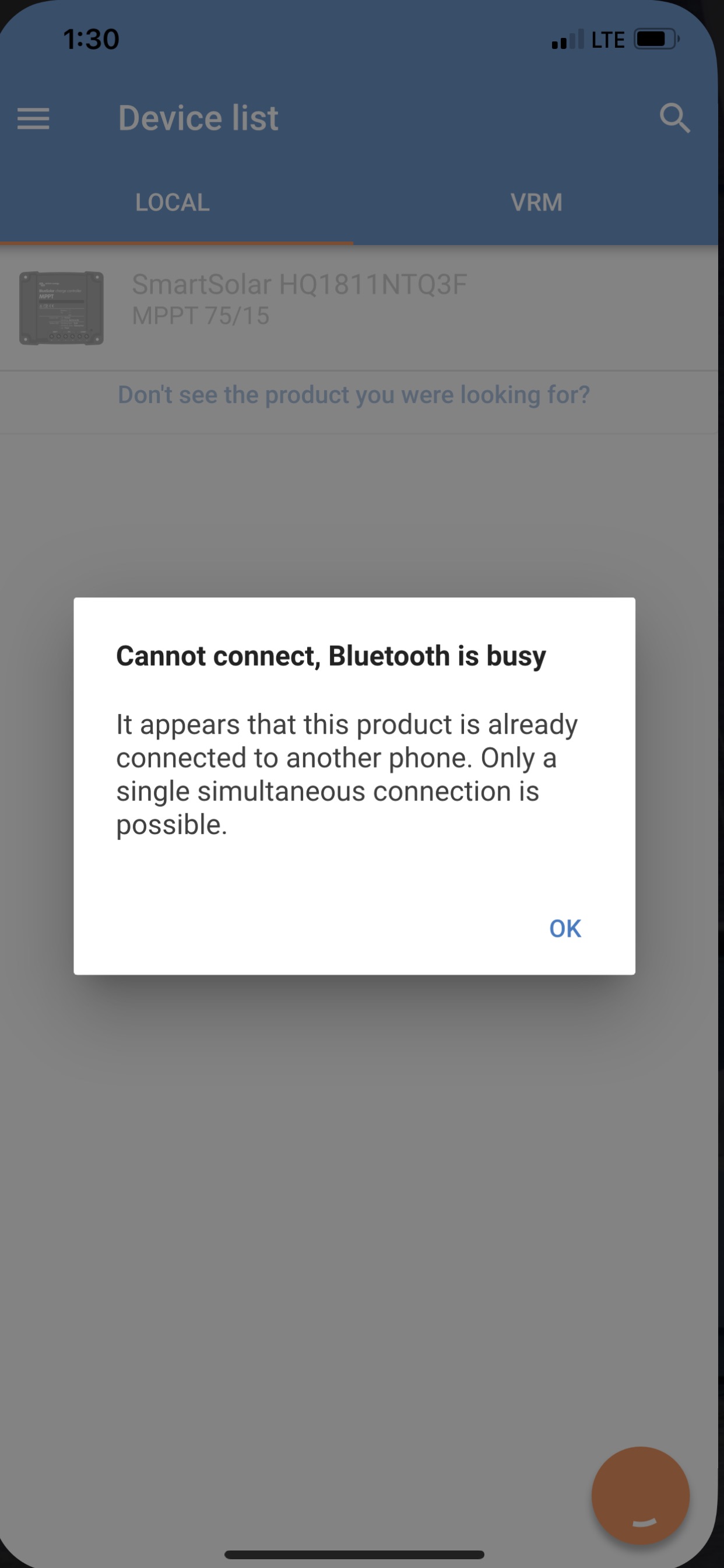
‘ I have a MPPT 75/15 (HQ1811NTQ3F”) connected to a single battery and a single solar panel. With my iPhone 6 I could connect via Bluetooth using the VictronConnect app. With my new iPhone 11 I cannot pair with the controller. The app recognizes my controller and requires that I “enter the code shown on my “SmartComtroller HQ1811NTQ3F”. I cannot find any code either in the front panel of the controller or in a window on the phone. I have entered my 6-digit pin but it was not accepted. I have removed and re-downloaded the app with no effect. The blue led on the controller is flashing, showing a bulk operation.



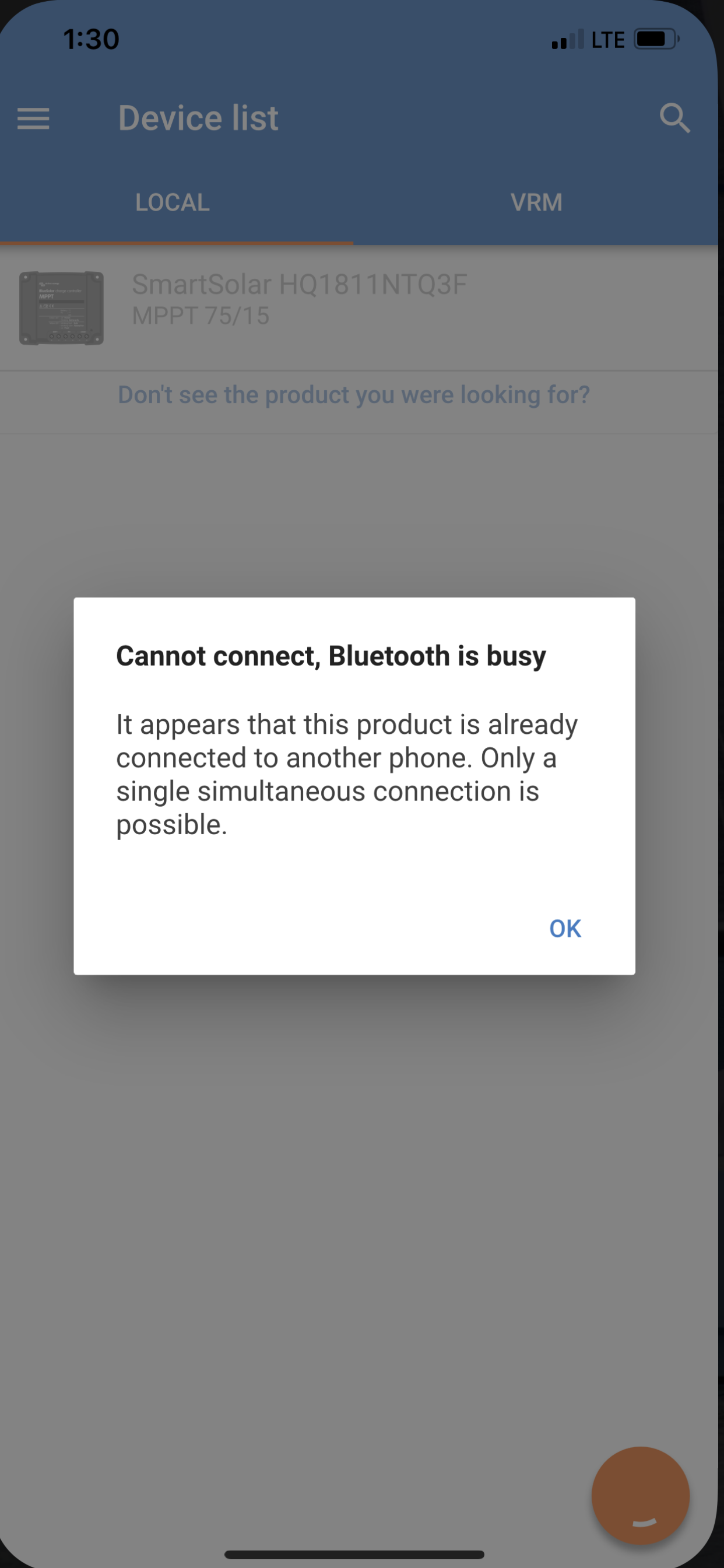 After using the PUK code to reset the PIN to 000000 (it was never changed) I was able to connect with Bluetooth. The app worked for several days, then I started getting the attached popup immediately after selecting my device. I have reloaded the app and disconnected the MPPT from the battery and then reconnected. There has never been any other phone connected to this controller. I can see no way to reset the device or a Bluetooth connection.